ALL THE INFO YOU NEED
Your day on Karioi
August 2026
-
Over the last few years, we have added an extensive network of bait stations on Karioi (public and private land) to support our trapping efforts and enhance biodiversity by bringing back populations of local seabirds and forest birds.
Volunteers are a key part of this work and as a result, some significant conservation gains have been made with seabird / ōi chicks fledging again. Despite this huge community effort, we must continuously reduce rat and possum populations to achieve long-term conservation outcomes.
Intensive predator control will greatly enhance biodiversity, improve forest health and specifically benefit resident forest bird populations of the bellbird, kāka, tomtits, tūī, kererū, pekapeka and ruru.
Please read to the bottom of the page
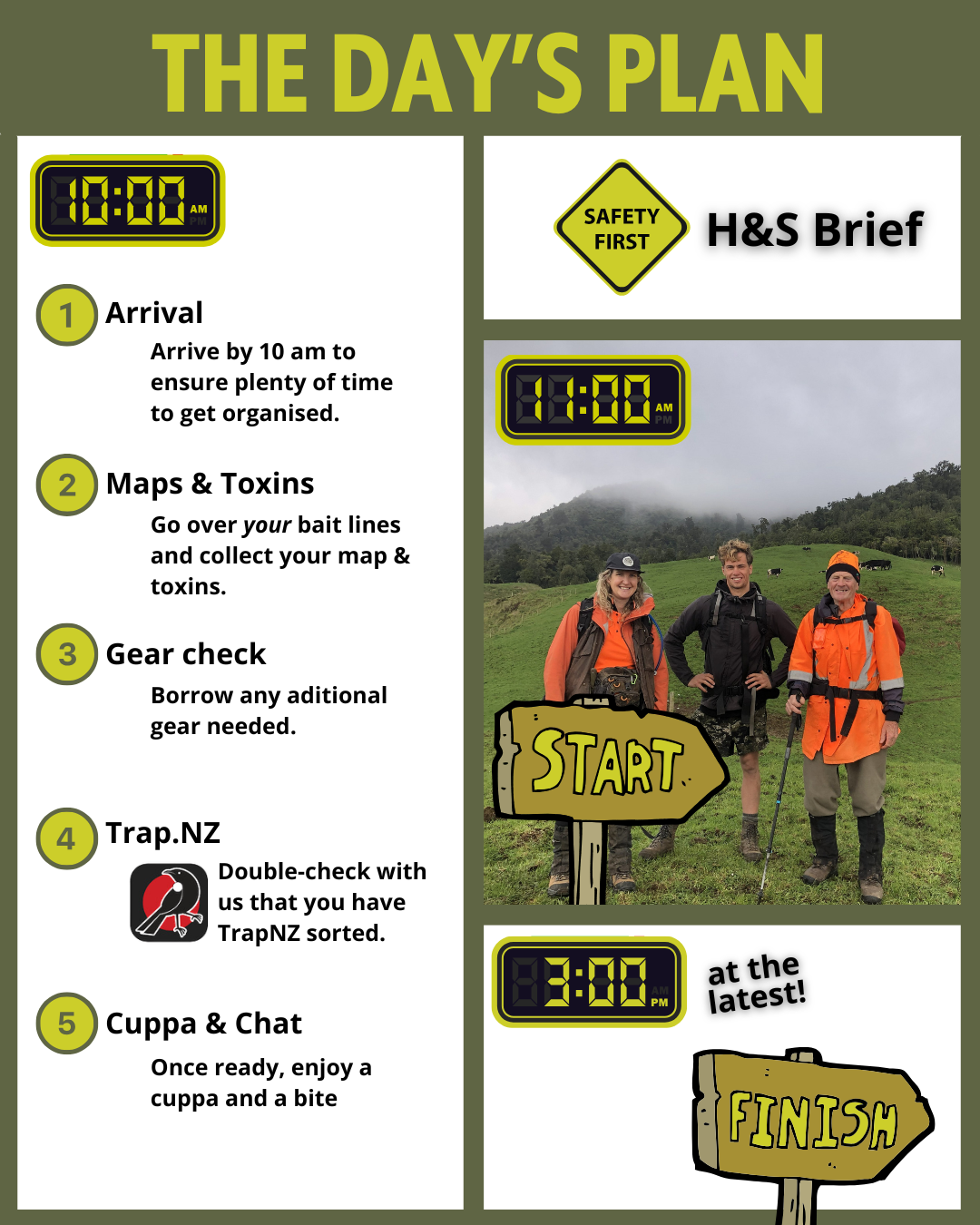
Where to meet: 754 Te Hutewai Rd (the red/brown shed)
When: 10 am
Health and Safety
Your main H&S check-in contact!
The H&S check-in person will be Sarah.
Her number is 027 406 1800.
Please add her as a contact.
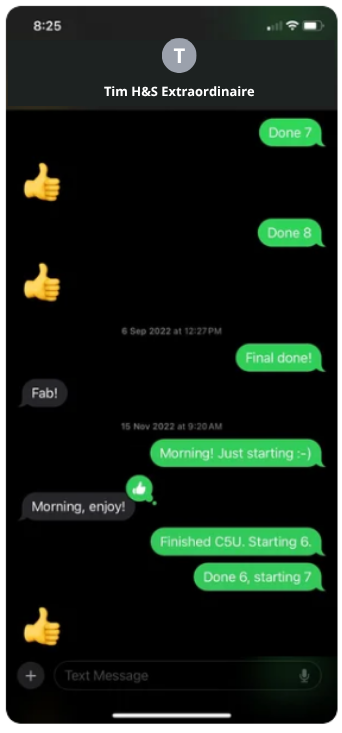
On the day, please text her every hour or two to let her know where you are.
If you encounter trouble and need assistance on the day, this is also the person to contact.

Other Emergency Contacts

Kristel (Project manager)
027 427 6242
Jasmine (Volunteers coordinator)
021 732 378
Handling Toxins
We are handling toxins and bait stations that have been exposed to many rats and possums; therefore:
Wear gloves.
Bring a wet cloth & soap to wash your hands before eating.
Read the info specific to Double-Tap, Pindone and Feracol Strikers.
Weather Forecast
Check the weather forecast to prepare adequately for the day.

Gear List
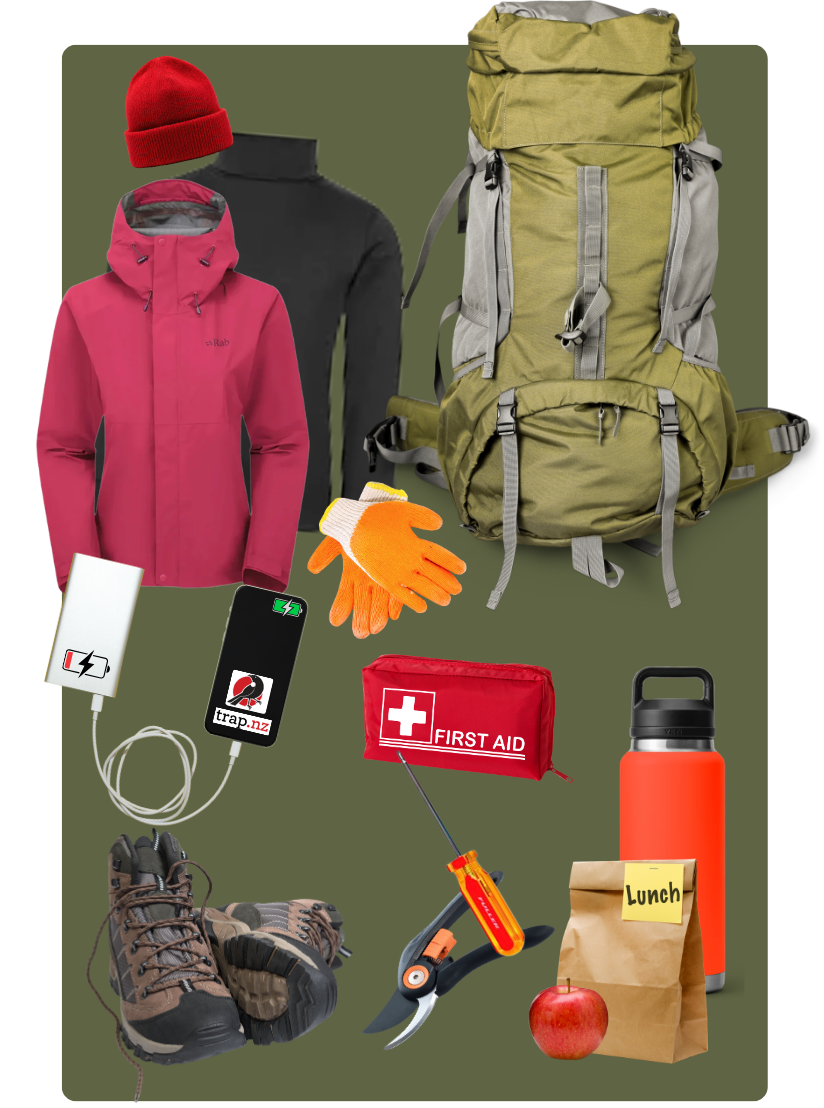
We have some of these items to share - so ask if you don’t have the right gear.
Food and water
Small backpack
Spare warm layers
Wet weather gear
Good tramping boots or trail running shoes - the terrain can get rough and slippery.
First aid kit
Phone - fully charged, with Trap.nz app downloaded (see below)
Power bank - if your phone battery isn’t amazing, TrapNZ chews up the battery!
No 2 square head screwdriver
Gloves
Secateurs - for a spot of track maintenance (optional)

Trap.NZ
Please do this ASAP (well before Deploy Day). This will ensure you have full access to the ‘Karioi Project - Bait Lines’ project on Trap.nz.
Are YOU new to trap.nz?
2. Download the mobile app
On your phone, download the app.
Log into your account in the app.

EVERYONE, do this:
* The lines are often updated, so even if you’ve done this before - please do it again - to ensure you have the most up-to-date information.
In the app, in ‘Karioi Project - Bait Lines’, click Menu (the 3 lines in the top right corner.)
Map Settings - change “Max tileset size” from 100 to 500. Set limit.
Refresh map tiles (at the top)
Tap the back arrow in the top left corner.
Go to My Projects - Karioi Project- Bait Lines
Zoom in to ensure you can not only see colourful lines (left image below), but individual bait stations icons & codes (right image below).

Where are YOU going?

At the end of the day…
Return any gear/bait/rubbish to the Red Barn - labelled bins will be available.
Wash your hands.
Give yourself a pat on the back - thank you so much for your help!
PS - Is this your first time?

You made it to the end
Thank you - you’re amazing!